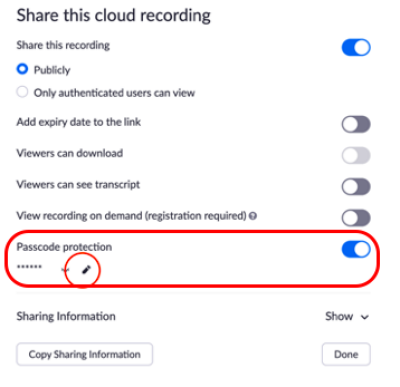
Passcode protection will be enforced for all shared cloud recordings. The feature will limit who can view your cloud recording. To modify a random passcode:
1. Access your recordings on the portal.
2. Click Share next to the recording you want to check a passcode.
3. Click Passcode Protection to see a random passcode.
4. Enter the password you want to use and click Save.